
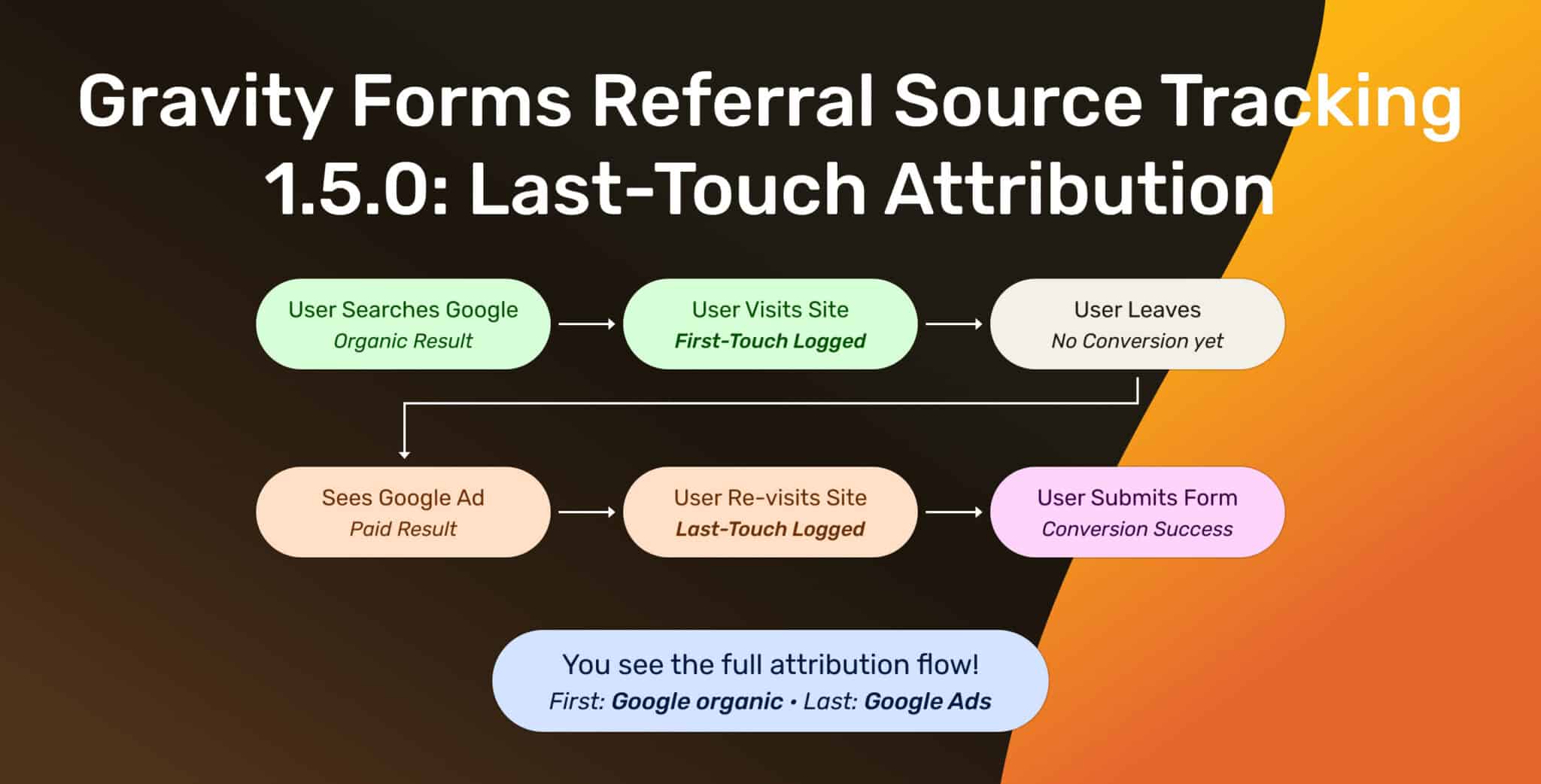
Gravity Forms Referral Source Tracking 1.5.0: Last-Touch Attribution is Here
A few updates have been quietly brewing since Gravity Forms Referral Source Tracking version 1.4.0… Versions 1.4.1 and 1.4.2 shipped with some genuinely useful improvements,…
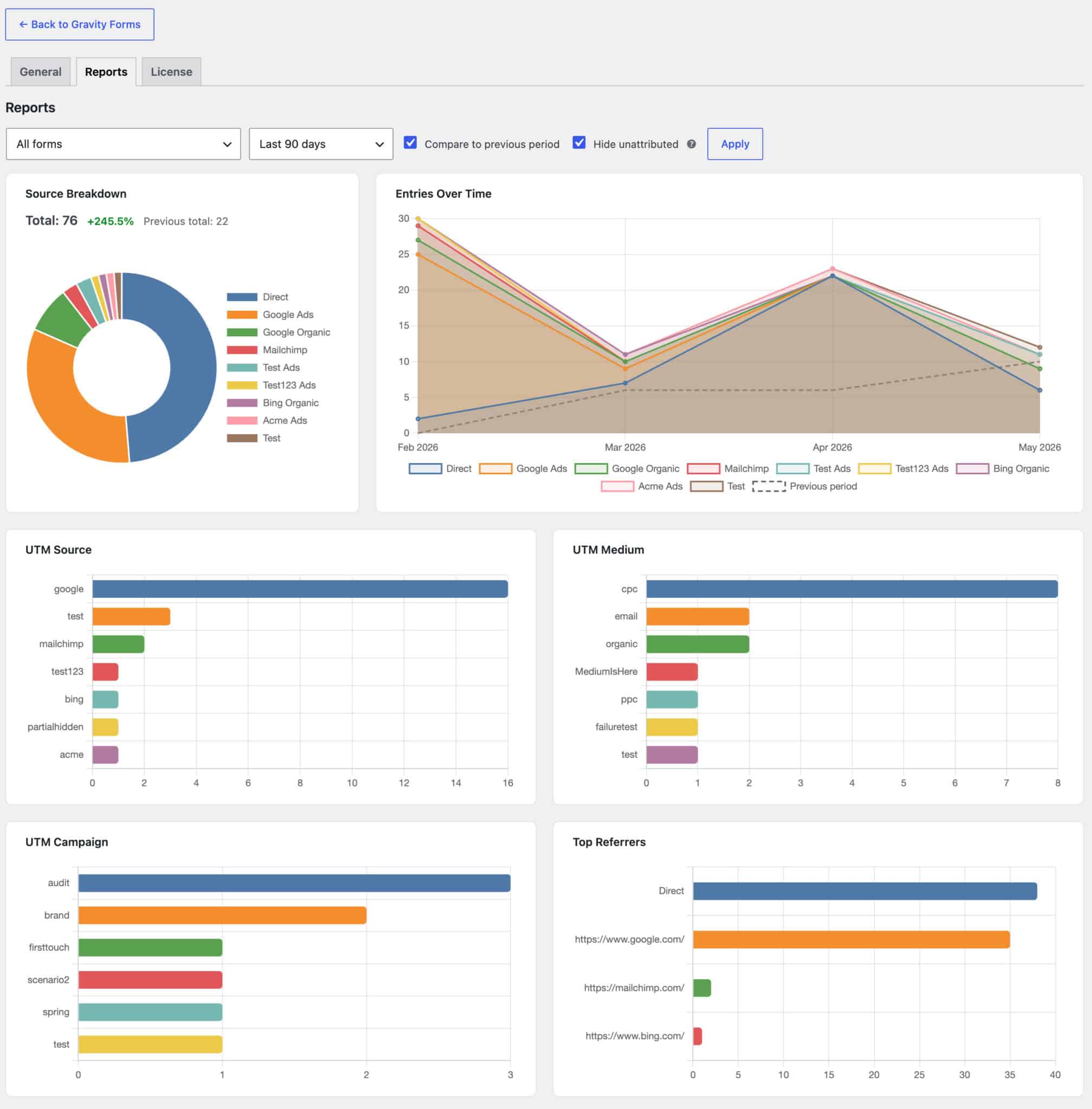
Referral Source Tracking for Gravity Forms 1.4.0 – Charts, a Digest, and a Tidier Home
End of the quarter, and you need to know where your form submissions came from. Did the February blog post still pull leads? Did the…

How to Capture UTM Parameters in Gravity Forms: Native + JavaScript Methods
Quick answer: There are two ways to capture UTM parameters in Gravity Forms. If visitors land directly on your form page, use the built-in method:…
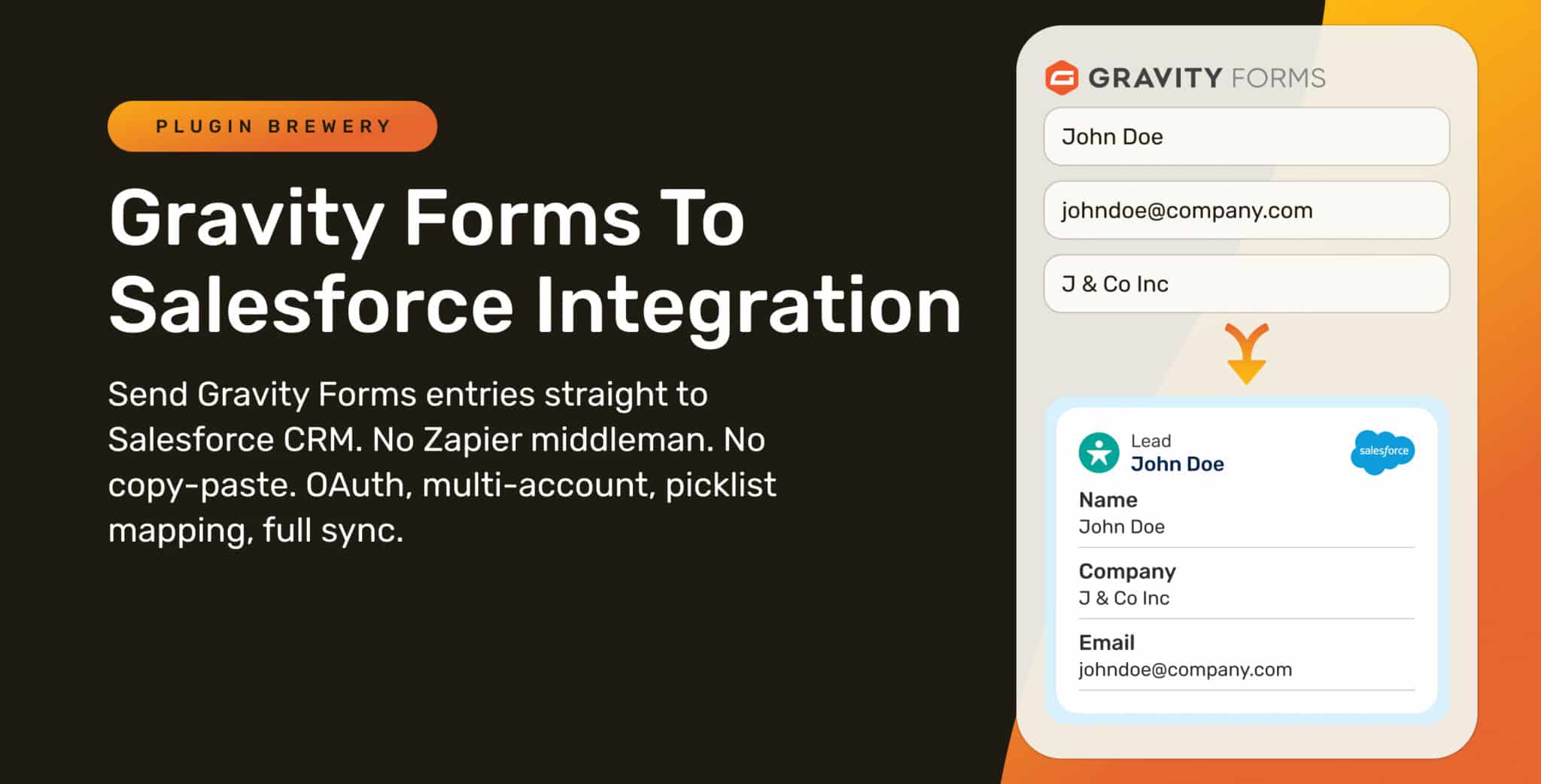
Introducing Gravity Forms to Salesforce Integration
Picture this: a customer fills out your Gravity Form. They become a Lead in Salesforce. Two weeks later they edit their entry to update their…

First-Touch vs Last-Touch Attribution: Which One Is Right for Your Form Leads?
Two channels. One conversion. Who gets credit? Your form reports say one thing. Google Ads says another. Your CRM says a third. Nobody’s wrong. You’re…

Introducing Referral Source Tracking for WPForms
Referral Source Tracking for WPForms is officially live! After building this for Gravity Forms, making a WPForms version was the obvious next move. WPForms is…