
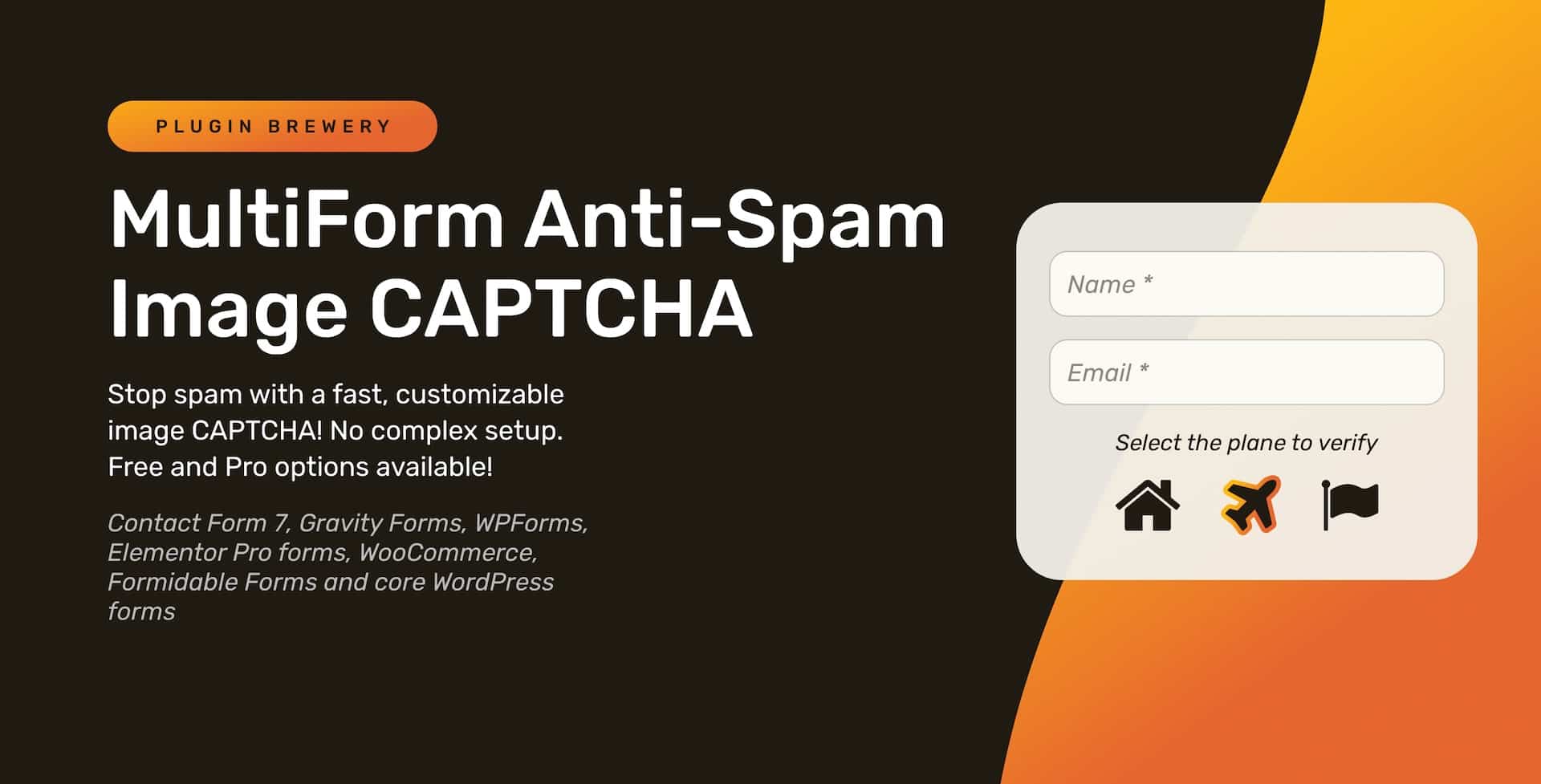
We’ve been brewing a new way to fight form spam at Plugin Brewery, and it’s ready to ship.
MultiForm Anti-Spam Image CAPTCHA is a modern, image-based CAPTCHA that drops into your existing forms and quietly does the hard work of stopping bots. No external services, no reCAPTCHA keys, and no awkward puzzles for real visitors.
It’s available in two flavors:
- Free version on WordPress.org for Contact Form 7, WPForms, and Formidable Forms
- Pro version with more form builders, customization, and advanced protection
Table of Contents
What Makes MultiForm Anti-Spam Image CAPTCHA Different?
Most CAPTCHA tools were built for a different era of the web. They’re either too clunky, too slow, or so easy to bypass that they’re basically decoration.
MultiForm Anti-Spam Image CAPTCHA takes a different approach:
- One validator engine used across all integrations
- Hashed answers so the “correct” icon can’t be scraped from the markup
- Local, server-side validation (no third-party services or quotas)
- Lightweight and form-first — built to stay out of the way of UX and performance
In short: it’s designed to feel like a native part of your forms, not a bolt-on afterthought.
Free Version: Fast Protection for CF7, WPForms & Formidable
The free version lives on the WordPress.org plugin repository and focuses on getting a solid CAPTCHA into your forms in seconds.
Supported form plugins in the free version:
- Contact Form 7
- WPForms
- Formidable Forms

Free Version Highlights
- Image selection CAPTCHA (pick the requested icon to submit)
- Hashed answers with server-side validation
- Built-in honeypot and stale key cleanup
- Integrations for CF7, WPForms, and Formidable
- Keyboard-friendly and screen-reader instructions for better accessibility
- No API keys, accounts, or external requests
For many smaller sites, that’s already a big step up from “no protection” or half-working spam filters.
MultiForm Anti-Spam Image CAPTCHA – Free!
Pro Version: Site-Wide, Multi-Form Protection
When you need your CAPTCHA to follow your users across the entire site — not just a single contact form — the Pro version steps in.
MultiForm Anti-Spam Image CAPTCHA Pro unlocks more integrations, more control, and more ways to tune spam protection to your traffic.
Pro Form Support
- Contact Form 7
- Gravity Forms
- WPForms
- Formidable Forms
- Elementor Pro Forms
- WooCommerce (checkout, registration, etc.)
- Core WordPress login, registration, password reset, and native comments
Pro Features
- All free features, plus:
- Customizable CAPTCHA icon sets and styles
- Advanced validator with additional checks
- Submission speed checker to block “too fast” automated submissions
- Optional AJAX refresh / new CAPTCHA on submit
- Icon randomization and stronger bot resistance
- Full stylistic control: colors, sizes, layout, and error messages
- Per-form or global settings so you can dial protection up or down where needed
Get MultiForm Anti-Spam Image CAPTCHA Pro!
How the Validation Works (In Plain English)
Behind the scenes, both the free and Pro versions share a common validator. That means the same logic is used to check:
- Contact Form 7 submissions
- Gravity Forms or WPForms entries
- WooCommerce checkouts
- WordPress login attempts
Instead of scattering half a dozen different checks across separate modules, everything runs through a single engine. That makes it easier to maintain, easier to harden, and easier to extend as we add more form builders like Divi and Ninja Forms in the future.
Free vs Pro: Which One Do You Need?
If you’re not sure where to start, here’s a quick side-by-side look.
| Feature | Free Version | Pro Version |
|---|---|---|
| Contact Form 7 support | ✅ | ✅ |
| WPForms support | ✅ | ✅ |
| Formidable Forms support | ✅ | ✅ (with more options) |
| Gravity Forms support | ❌ | ✅ |
| Elementor Pro Forms support | ❌ | ✅ |
| WooCommerce forms | ❌ | ✅ |
| WordPress login / comments / password forms | ❌ | ✅ |
| Image CAPTCHA | ✅ | ✅ |
| Hashed answers & server-side validation | ✅ | ✅ (with enhanced checks) |
| Built-in honeypot | ✅ | ✅ |
| Submission speed checker | ❌ | ✅ |
| Custom icons, colors, and layout | ❌ | ✅ |
| Advanced spam tuning & controls | ❌ | ✅ |
A simple rule of thumb:
- Use the free version if you only need protection on a few CF7, WPForms, or Formidable Forms and you don’t want advanced protection or customization.
- Use the Pro version if you’re protecting multiple form types, logins, or any revenue-generating flow like checkout and need advanced protection beyond the free version.
Launch Discount: 30% Off Pro (Limited Time)
To celebrate the release, MultiForm Anti-Spam Image CAPTCHA Pro is available at 30% off for the first two weeks.
The discount is automatically applied at checkout for launch — no coupon code required.
Get MultiForm Anti-Spam Image CAPTCHA Pro with launch pricing →
Part of the Plugin Brewery Form Toolkit
This plugin joins our growing set of tools for cleaner, smarter forms:
- Referral Source Tracking for Gravity Forms — see exactly where submissions come from (search, ads, social, AI assistants, and more).
- Address Autocomplete for Gravity Forms — speed up address entry with Google Places–powered suggestions.
MultiForm Anti-Spam Image CAPTCHA slots in alongside those plugins to help you do three things better:
- Protect your forms
- Keep your data clean
- Understand where your leads are coming from
Try It on Your Next Form
If spam has been creeping into your inbox, this is a good moment to tighten things up.
- Start free: MultiForm Anti-Spam Image CAPTCHA on WordPress.org
- Go Pro when you’re ready: MultiForm Anti-Spam Image CAPTCHA Pro
Drop it into a form, watch the spam drop off, and then expand it across the rest of your site when you’re ready.